KPImailer for Qlik Sense
Qlik Sense reports that deliver themselves.
Build emails from live Qlik objects, burst them per region or customer, attach real Excel and PowerPoint, and send them the moment your reload finishes. For Qlik Sense client-managed and Qlik Cloud.
Current version 4.7 · What is new
- 01
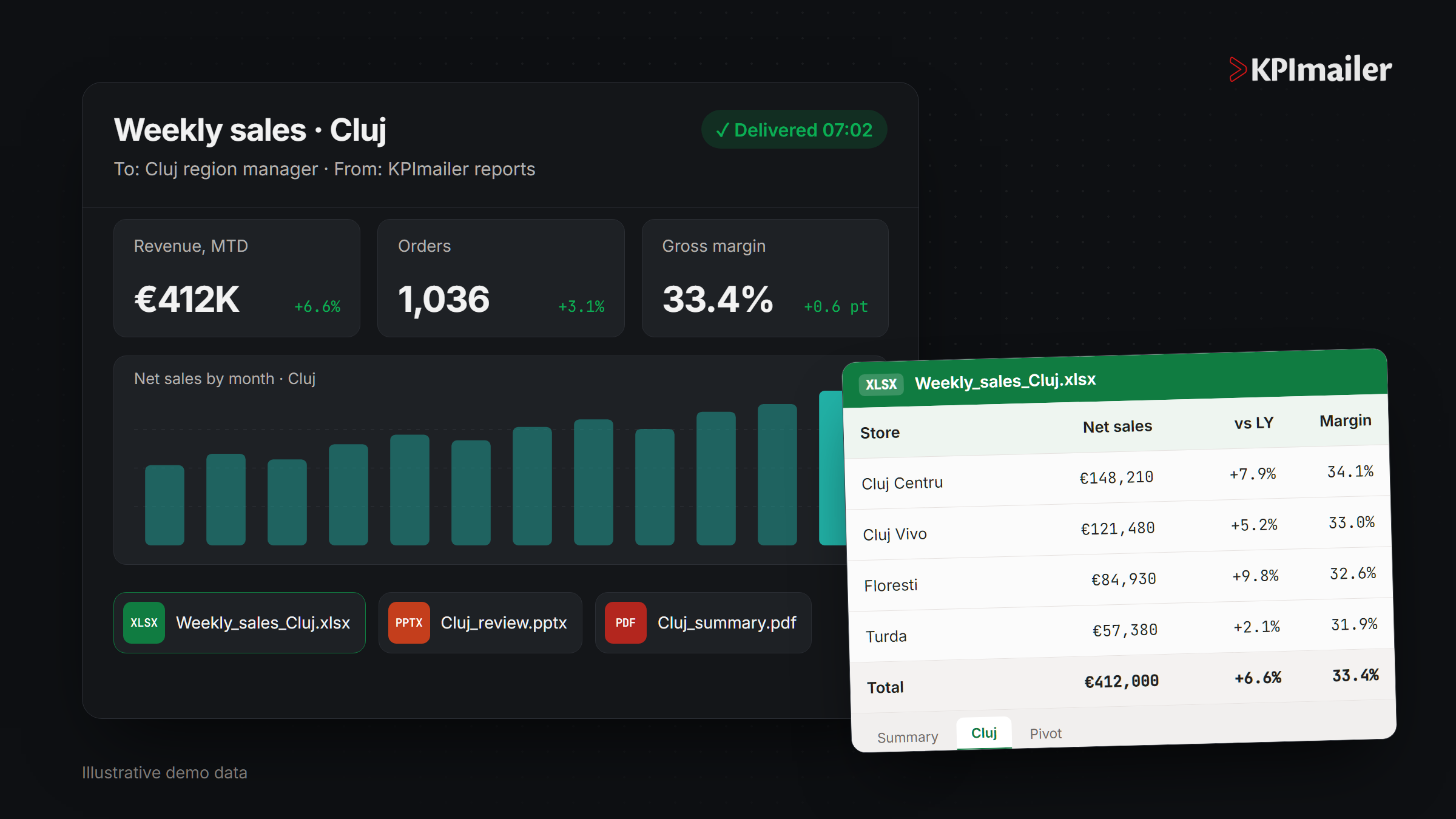
Live Qlik objects, full fidelity
Charts, tables and KPIs render exactly as in Qlik. If it looks right in the preview, that is what recipients get.
- 02
One design, every audience
Burst on any field, pick recipients from your data, and gate sending on a measure.
- 03
Client-managed and Qlik Cloud
The same product connects to Qlik Sense Enterprise on Windows and to Qlik Cloud tenants.
Capabilities
What KPImailer for Qlik Sense does.
Design
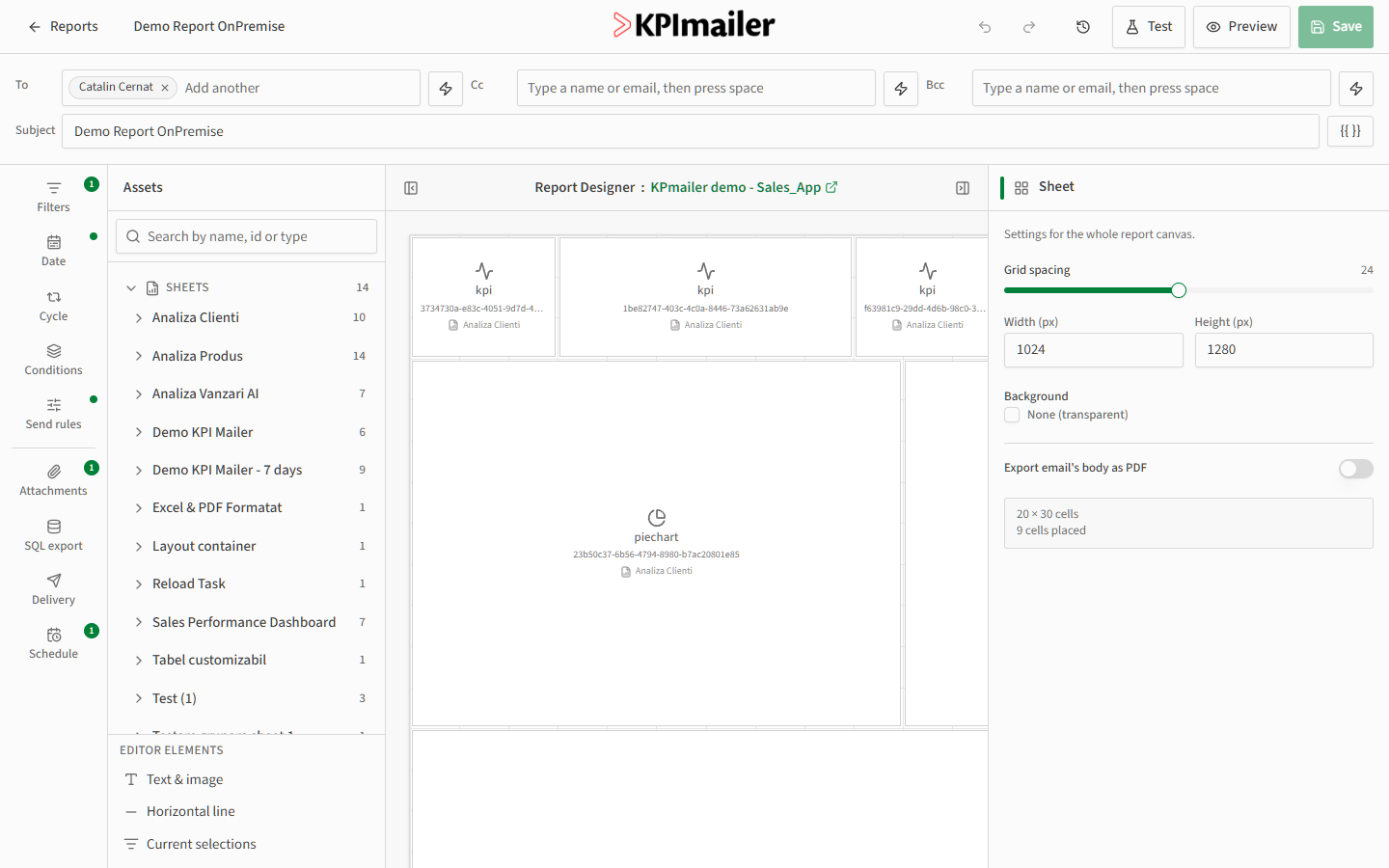
- Drag-and-drop email canvas from any Qlik sheet
- Each chart or table with its own period and filters
- Sections with display conditions
- Tokens for dates, periods, measures and dimensions
- Live preview and test send
Personalise
- Bursting per field, only values with data
- Dynamic recipients from Qlik fields
- Filter formulas and report variables
- Quarter periods, date presets, relative and fixed ranges
Attach
- Qlik pivots as native Excel PivotTables
- Formatted Excel that keeps Qlik styling
- Excel and PowerPoint templates with repeaters
- PDF, paginated PDF and CSV, with per-attachment filters
Deliver and monitor
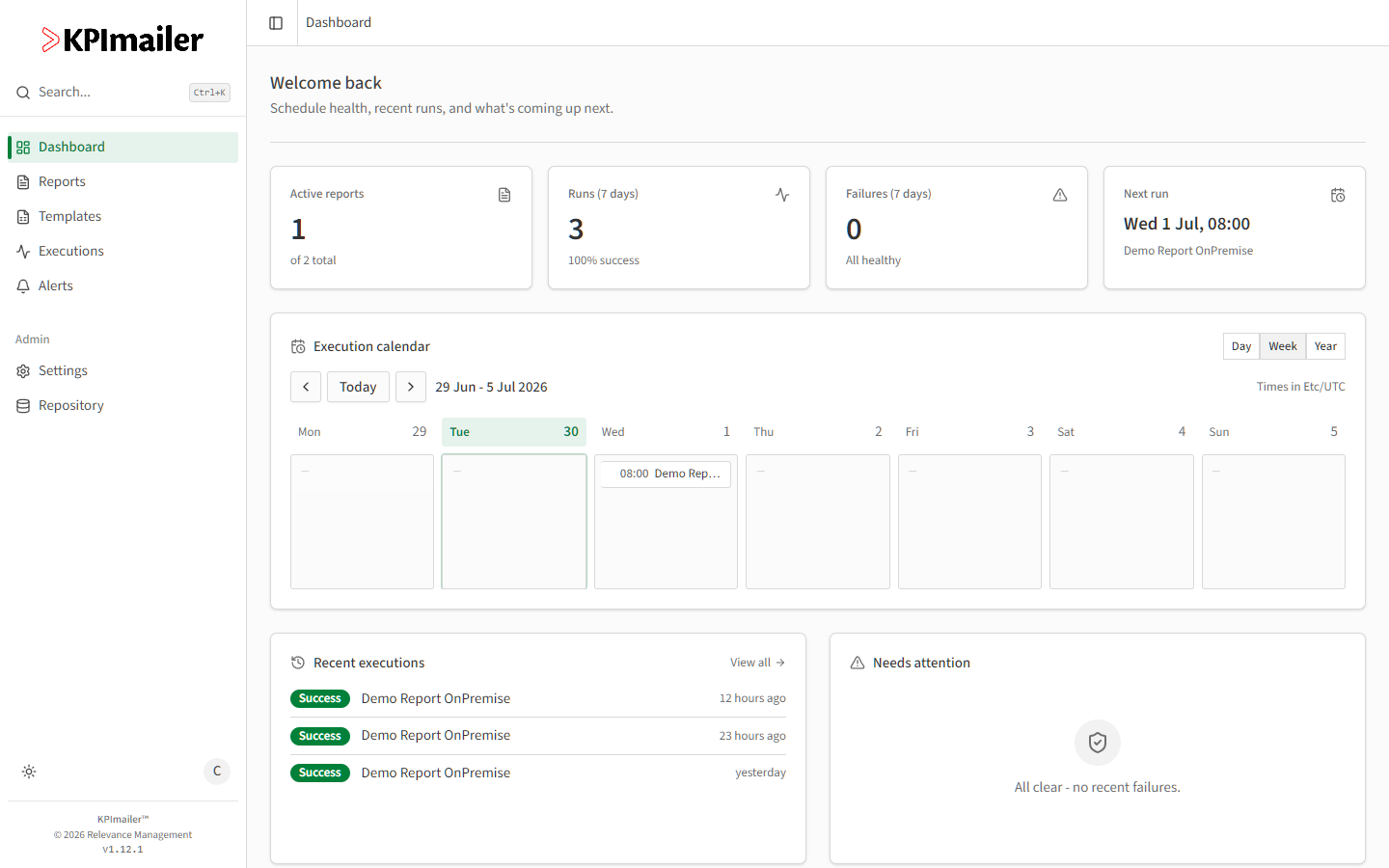
- Cron, Qlik task reload and chained triggers
- On-demand sending from a button in Qlik Sense
- Email, SharePoint, OneDrive, shares and SQL export
- Reload and run alerts, step-by-step logs
Go deeper
Feature guides
- KPIBot and AI analysisAn AI analyst for your Qlik apps. Every figure shows where it comes from.
- Native Excel PivotTablesQlik pivots delivered as real Excel PivotTables, rebuilt on every run.
- On demand in Qlik SenseA button in Qlik Sense that sends a report for the user's own selections.
- Filters, periods and variablesEach visual with its own data, quarter periods, filter formulas and variables.
- BurstingOne filtered copy per region, store or customer, sent to the right person.
- TemplatesTemplates built in desktop Office, with repeaters and your own pivots.
- Scheduling and triggersCron, Qlik task reloads and report chaining, with no stale sends.
- Send rules and conditionsMeasure-based gates for whole reports and single sections.
- AlertsReload and run alerts for Qlik, Qlik Cloud and Power BI.
- SQL exportScheduled exports to SQL Server, PostgreSQL, MySQL and Oracle.
- DeliverySharePoint, OneDrive, shares and folders, alongside email.
Requirements
What you need to run it.
KPImailer is self-hosted. Full installation guides are in the documentation.
- Server
- Windows server inside your network
- One self-contained installer with its own database, scheduler and web app
- Can run alongside KPImailer v1 during migration
- Qlik Sense client-managed
- Client certificate from the Qlik Management Console
- Ports 443, 4242, 4243 and 4747 reachable
- A service user with RootAdmin rights
- Qlik Cloud
- An OAuth machine-to-machine client
- Webhooks for reload alerts
- Your SMTP server, with retries and send offset for large bursts
- Internal mail servers with their own certificate
FAQ
KPImailer for Qlik Sense, answered.
Something else? Ask us directly. A product specialist, not a bot, answers within one business day.
Is KPImailer an alternative to Qlik NPrinting?
Yes. KPImailer covers scheduled, personalised report distribution without a separate NPrinting server, and it works with both Qlik Sense client-managed and Qlik Cloud. See the NPrinting comparison for details.
Which Qlik Sense versions are supported?
KPImailer supports Qlik Sense Enterprise client-managed on Windows and Qlik Cloud. Ask us about your exact release and we will confirm compatibility.
Can we migrate reports from KPImailer v1?
Yes. KPImailer imports reports from v1, including their quarter periods, and can run alongside it during the migration. Buttons on your Qlik sheets keep working with the new On-Demand extension.
How many reports and recipients can we have?
The licence includes unlimited reports and recipients. Large bursts are paced with a configurable send offset so your mail server is never flooded.
Send your first automated report this week.
Install the 30-day trial, connect your BI platform and design a report. If you get stuck, a product specialist will walk you through it.
No credit card. Every feature included. Nothing is deleted when the trial ends.